Stop mixing render and domain state in React dashboards
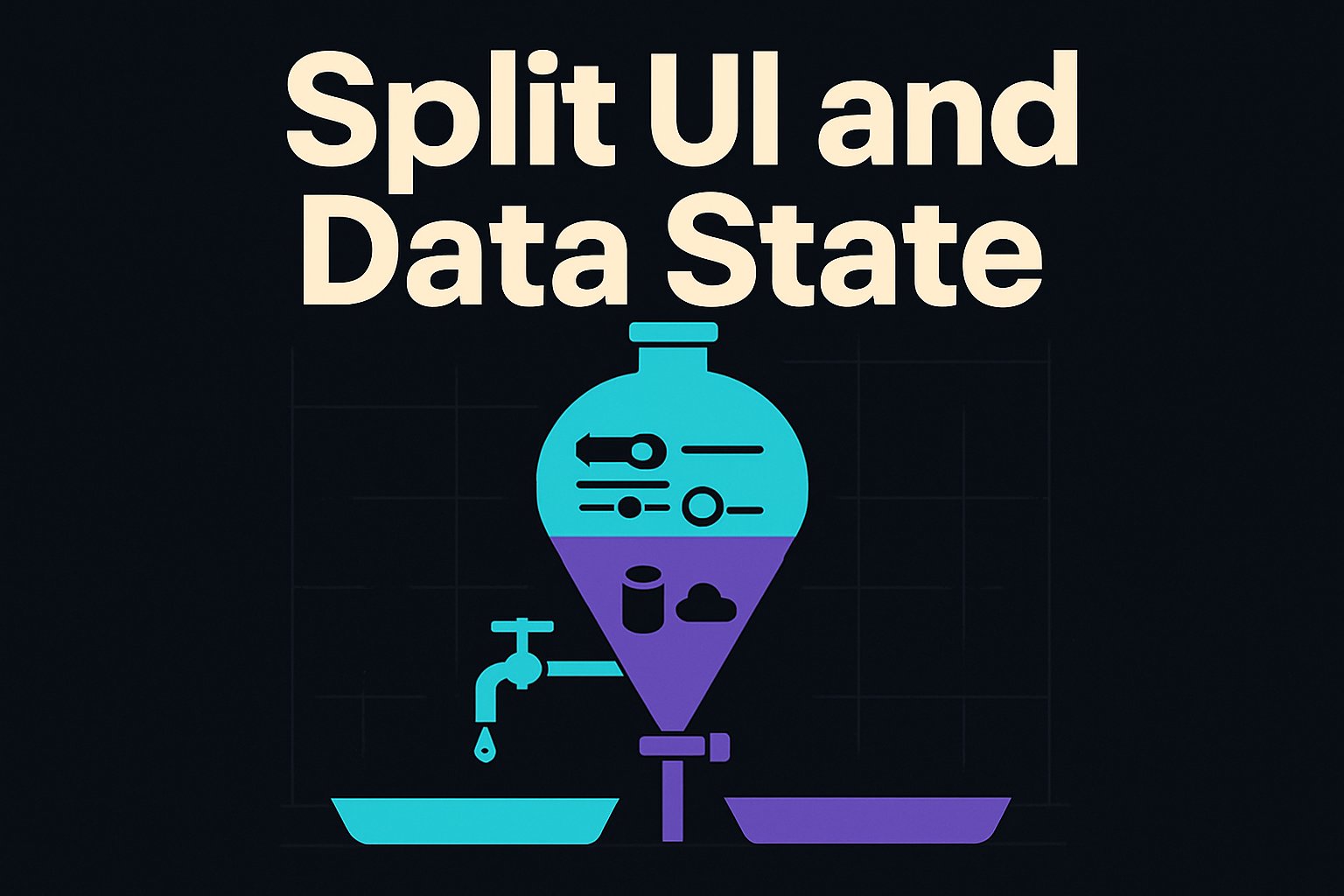
What’s the difference between render state and domain state?
Render state drives pixels: selection, panel open/close, column order, scroll offsets, hover, active tab, in-flight drag positions. Domain state is the business data from the server, normalized and cached, with mutations and invalidation. When these are mixed, you get re-render storms, bloated payloads, and painful debugging.
I keep them apart. Domain state lives in a server-state cache (TanStack Query v5.47 or RTK Query 2.2.4). Render state lives in a tiny client store (Zustand 4.5.x) or local component state. Components read from both through selectors. Nothing else.
How do you separate render state from domain state in React?
Keep domain data in a server cache (TanStack Query/RTK Query) keyed by query params; keep UI state (sort, filters, selection, layout) in a co-located client store (Zustand). Components subscribe to minimal slices with shallow equality. Domain and UI layers talk only via dispatched events and props, not direct imports across layers.
Here’s a concrete cut on React 18.3, TypeScript 5.5.
// ui/store.ts
import { create } from 'zustand'
import { subscribeWithSelector } from 'zustand/middleware'

export type Sort = { column: string; dir: 'asc' | 'desc' } | null

interface TableUIState {
  sort: Sort
  filters: Record<string, unknown>
  selection: Set<string> // transient, not persisted
  columnOrder: string[]
  columnWidths: Record<string, number>
  scrollTop: number
  expandedRowIds: Set<string>
}

interface DashboardUIState {
  table: TableUIState
  modals: { inspectorOpen: boolean }
  // actions
  setSort: (sort: Sort) => void
  toggleSelect: (id: string) => void
  setColumnWidth: (col: string, px: number) => void
  setScrollTop: (y: number) => void
}

export const useUI = create<DashboardUIState>()(
  subscribeWithSelector((set, get) => ({
    table: {
      sort: null,
      filters: {},
      selection: new Set(),
      columnOrder: [],
      columnWidths: {},
      scrollTop: 0,
      expandedRowIds: new Set(),
    },
    modals: { inspectorOpen: false },
    setSort: (sort) => set((s) => ({ table: { ...s.table, sort } })),
    toggleSelect: (id) => set((s) => {
      const next = new Set(s.table.selection)
      next.has(id) ? next.delete(id) : next.add(id)
      return { table: { ...s.table, selection: next } }
    }),
    setColumnWidth: (col, px) => set((s) => ({
      table: { ...s.table, columnWidths: { ...s.table.columnWidths, [col]: px } }
    })),
    setScrollTop: (y) => set((s) => ({ table: { ...s.table, scrollTop: y } })),
  }))
)
// data/orders.ts (TanStack Query v5)
import { useQuery, QueryClient } from '@tanstack/react-query'

export const queryClient = new QueryClient({
  defaultOptions: {
    queries: { staleTime: 30_000, gcTime: 5 * 60_000, refetchOnWindowFocus: false },
  },
})

type Order = { id: string; status: string; total: number; createdAt: string }

type OrdersResponse = { items: Order[]; total: number }

function normalize(resp: OrdersResponse) {
  const byId: Record<string, Order> = {}
  for (const o of resp.items) byId[o.id] = o
  return { ids: resp.items.map((o) => o.id), byId, total: resp.total }
}

export function useOrders(params: { status?: string; q?: string; page: number; pageSize: number }) {
  const key = ['orders', params]
  return useQuery({
    queryKey: key,
    queryFn: async () => {
      const qs = new URLSearchParams(params as any).toString()
      const res = await fetch(`/api/orders?${qs}`)
      if (!res.ok) throw new Error(`HTTP ${res.status}`)
      return (await res.json()) as OrdersResponse
    },
    select: normalize,
    keepPreviousData: true,
  })
}
// components/OrdersTable.tsx
import { useOrders } from '../data/orders'
import { useUI } from '../ui/store'
import { useVirtualizer } from '@tanstack/react-virtual'

export function OrdersTable() {
  const sort = useUI((s) => s.table.sort)
  const selection = useUI((s) => s.table.selection)
  const setScrollTop = useUI((s) => s.setScrollTop)

  const { data, isFetching } = useOrders({ page: 1, pageSize: 500, status: undefined })
  const rows = data ? data.ids.map((id) => data.byId[id]) : []

  const parentRef = React.useRef<HTMLDivElement>(null)
  const rowVirtualizer = useVirtualizer({
    count: rows.length,
    getScrollElement: () => parentRef.current,
    estimateSize: () => 36,
    overscan: 10,
  })

  return (
    <div ref={parentRef} style={{ height: 600, overflow: 'auto' }} onScroll={(e) => setScrollTop((e.target as HTMLDivElement).scrollTop)}>
      <div style={{ height: rowVirtualizer.getTotalSize(), width: '100%', position: 'relative' }}>
        {rowVirtualizer.getVirtualItems().map((vi) => {
          const row = rows[vi.index]
          const checked = selection.has(row.id)
          return (
            <div key={row.id} style={{ position: 'absolute', top: 0, left: 0, width: '100%', transform: `translateY(${vi.start}px)` }}>
              <Row row={row} checked={checked} />
            </div>
          )
        })}
      </div>
      {isFetching ? <div className="dim">Loading…</div> : null}
    </div>
  )
}
Important details that keep this fast:
- The UI store holds only render concerns. No domain objects.
- The server cache owns data fetching, normalization, and memoized selection.
- Components subscribe via small selectors (e.g., s.table.sort), not the whole store.
- Virtualization avoids mounting 50k DOM nodes.
This is the three-layer split I call Trinity Architecture: presentation components render from state and dispatch events; a reactive client state holds UI and orchestrates; and a data/serialization adapter bridges persistence. Layers never talk past neighbors.
Common symptom when you don’t split
- setState in render or mixing stores often triggers: “Warning: Cannot update a component (X) while rendering a different component (Y).” Lift transient UI updates into the render store and update in events/effects.
- Changing a large Redux slice that holds both UI and data causes 100+ dependent components to rerender. Selecting fine-grained slices in a small UI store reduces this.
How do you persist large dashboard state without bloating payloads?
Persist only stable layout and configuration, never raw data or transient UI noise. Introduce a small serialization adapter that strips ephemeral fields and converts non-serializable structures (Sets) to arrays. Store this layout JSON separately from data queries, versioned and small.
Example adapter for saving a dashboard layout to the server. This cut has kept payloads under 3–8 KB for complex boards; typical “save everything” payloads on real dashboards end up 200–800 KB due to selections and widths.
// ui/serialize.ts
import { useUI } from './store'

type PersistedLayoutV1 = {
  v: 1
  table: {
    sort: { column: string; dir: 'asc' | 'desc' } | null
    filters: Record<string, unknown>
    columnOrder: string[]
    columnWidths: Record<string, number>
    // intentionally no selection, no scrollTop
  }
  modals: { inspectorOpen: boolean }
}

export function buildPersistedLayout(state: ReturnType<typeof useUI.getState>): PersistedLayoutV1 {
  return {
    v: 1,
    table: {
      sort: state.table.sort,
      filters: state.table.filters,
      columnOrder: state.table.columnOrder,
      columnWidths: state.table.columnWidths,
    },
    modals: state.modals,
  }
}

export async function saveLayout(userId: string) {
  const layout = buildPersistedLayout(useUI.getState())
  await fetch(`/api/users/${userId}/layout`, {
    method: 'PUT',
    headers: { 'content-type': 'application/json' },
    body: JSON.stringify(layout),
  })
}

export function hydrateLayout(layout: PersistedLayoutV1) {
  // cautiously merge only known keys to avoid clobbering live transient state
  useUI.setState((s) => ({
    table: {
      ...s.table,
      sort: layout.table.sort,
      filters: layout.table.filters,
      columnOrder: layout.table.columnOrder,
      columnWidths: layout.table.columnWidths,
    },
    modals: layout.modals,
  }))
}
This “serialization adapter” is purposefully boring. It’s a whitelist. It strips non-essential UI metadata, which also future-proofs the layout format. On one production workflow tool (IntegrateX), a similar adapter cut saved graph payloads by about 94% by excluding React Flow render geometry.
If you must persist heavy mappings such as selection of thousands of rows, cap it. For instance, keep at most 500 IDs, and coerce it to an array of stable strings. Anything more should be re-derived on load from a saved filter.
How do you avoid re-render storms with large datasets?
- Normalize server data and expose cheap selectors. - Keep UI state small and use fine-grained selectors with shallow compare. - Virtualize long lists and avoid inline object/array props. - Batch mutations and use startTransition when flipping large UI flags.
Concrete knobs that matter:
- TanStack Query select normalization keeps referential stability. Derived “row” objects change only when their id actually changes.
- Zustand selectors: use
(s) => s.table.sortnot(s) => s.table. If you must select multiple keys, memoize or useshallow.
import { shallow } from 'zustand/shallow'
const [sort, columnOrder] = useUI((s) => [s.table.sort, s.table.columnOrder], shallow)
- Avoid creating new objects in JSX props on hot paths. Move them out or use
useMemo.
const columns = React.useMemo(() => buildColumns(columnOrder), [columnOrder])
<Table columns={columns} />
- For bulk UI updates that trigger lots of child work, wrap in a transition.
const [pending, startTransition] = React.useTransition()
const onToggleAll = () => startTransition(() => useUI.getState().toggleAllVisible())
- Typical figures to keep in mind (illustrative only): 50–100k rows of JSON over a 4G link is 8–20 MB and costs 1.5–4 s network + 100–250 ms parse/GC on an M1. Don’t fetch that. Paginate server-side and virtualize client-side.
What’s the SSR/Next.js 14 story without hydration bugs?
Prefetch domain data on the server and dehydrate it; create UI state only on the client after mount. Don’t embed UI state in the HTML. If you must seed it, keep it minimal and idempotent, and merge during a client effect, not during initial render.
Sketch for Next.js 14.2 with TanStack Query dehydrate:
// app/orders/page.tsx
import { dehydrate, Hydrate } from '@tanstack/react-query'
import { queryClient } from '@/data/orders'

export default async function Page() {
  await queryClient.prefetchQuery({ queryKey: ['orders', { page: 1, pageSize: 50 }], queryFn: fetchOrders })
  const state = dehydrate(queryClient)
  return (
    <Hydrate state={state}>
      <OrdersPageClient />
    </Hydrate>
  )
}
// app/orders/OrdersPageClient.tsx
'use client'
import { useEffect } from 'react'
import { hydrateLayout } from '@/ui/serialize'

export function OrdersPageClient() {
  useEffect(() => {
    // fetch persisted layout and hydrate into UI store after mount
    fetch('/api/me/layout').then((r) => r.json()).then(hydrateLayout).catch(() => {})
  }, [])
  return <OrdersTable />
}
Two rules that prevent hydration mismatches:
- Never render from a UI store value that differs between server and client during the initial paint.
- If a UI default must depend on
windowor layout, compute it inuseEffectand update the store there.
Real-time and AI panels: keep tokens out of domain state
For streaming telemetry or AI summaries, treat partial tokens/lines as render state. Domain state should track the final artifact and its metadata.
// ai/summarize.ts - SSE streaming client
export function streamSummary(taskId: string, onToken: (t: string) => void) {
  const es = new EventSource(`/api/tasks/${taskId}/summary/stream`)
  es.addEventListener('token', (e) => onToken((e as MessageEvent).data))
  es.addEventListener('done', () => es.close())
  return () => es.close()
}
// components/SummaryPanel.tsx
import { useUI } from '@/ui/store'
import { useEffect, useState } from 'react'

export function SummaryPanel({ taskId }: { taskId: string }) {
  const [text, setText] = useState('') // render state only
  useEffect(() => streamSummary(taskId, (t) => setText((prev) => prev + t)), [taskId])
  return <pre className="summary">{text}</pre>
}
Persist only the final text (domain) as part of task metadata through a normal mutation. Do not shove partial token streams into your global stores.
When not to do this
- Small CRUD with <10 screens and <2k rows/page: local component state + a single query cache is fine. Splitting stores adds cognitive overhead and boilerplate.
- Teams without discipline on selectors and memoization can end up with two anti-patterns instead of one. Keep the rules enforced in code review.
- Heavy cross-slice coupling: if a mutation in domain must atomically update multiple UI concerns, put a thin orchestrator function next to the UI store; don’t call the data cache directly from view code.
Failure modes to watch
- Over-persisting UI: saving selection sets, hover rows, scroll positions balloons payloads and creates janky restores.
- Non-serializable UI state in devtools: Sets/Maps are fine in-memory but convert at persistence boundaries.
- Thundering updates: writing to the UI store from tight mousemove handlers without
requestAnimationFramebatching will stutter. - WebSocket or RTU messages that include render-only fields will hurt mobile users; keep wire payloads to business data.
Tooling and versions that work
- React 18.3, Next.js 14.2
- Zustand 4.5.x with
subscribeWithSelector - TanStack Query 5.47 (or RTK Query 2.2.4 if you’re already on Redux Toolkit 2.2.x)
- @tanstack/react-virtual 3.x or AG Grid 31.x for big tables
- TypeScript 5.5, Node 20.16 LTS
A quick install baseline:
pnpm add zustand @tanstack/react-query @tanstack/react-virtual
A minimal checklist
- Domain state: queries/mutations, normalized, cached, invalidated by keys.
- Render state: sort, filters, column order, selection, scroll, modals.
- Serialization adapter: whitelist-only persisted layout, versioned.
- Components: subscribe to minimal slices; virtualize long lists; memoize heavy props.
- SSR: dehydrate domain data; hydrate UI after mount.
One blunt question to keep taped to the monitor: will this value cross a process boundary (persist, sync, or query)? If yes, it belongs to domain state; if not, keep it in render state. Keeping that line bright is most of the battle.
Want this built for your business?
I build what this post describes for clients — RAG chatbots on your own documents, AI added to systems you already run, custom software — at fixed prices you see before we start. Hiring instead? I'm open to senior and lead roles.