01Why you feel stuck, and why it is not your fault
Here is something I wish someone had told me in my final year. College teaches you languages — Java, Python, C. You learn loops, arrays, maybe some SQL queries. You pass the exams. And then you sit in an interview and someone asks “so, walk me through how a website works” and your mind goes blank.
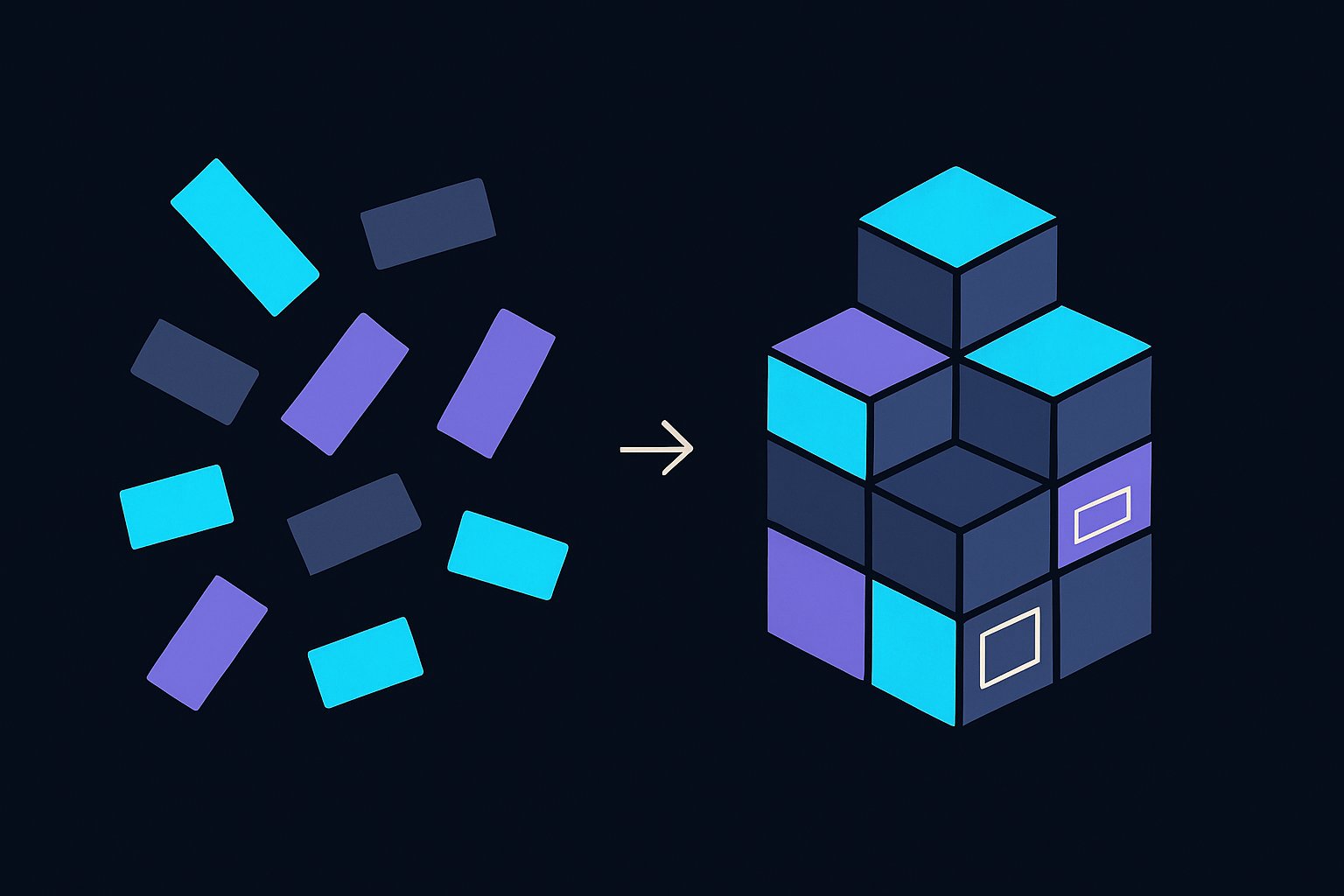
It is not because you are weak at coding. It is because college gave you bricks and never showed you a building. You know what a for-loop is. Nobody showed you where that for-loop lives, what it talks to, who runs it, or what happens when a real user on a real phone touches a real button.
The industry does not run on syntax. It runs on systems — pieces connected to each other, each with a job. Once you see the whole picture, interviews stop being scary, because most interview questions are really just asking: “do you see the picture, or only the bricks?” This chapter is that picture. I have spent around five years building these systems for companies and for myself, and this is the explanation I give every junior on day one.
02Start with one tap
Open Zomato in your head. You tap “Place order”. Within two seconds the screen says “Order confirmed”. Simple, right? Now let me show you what actually happened in those two seconds, because this one tap contains almost everything in software.
- 1Your phone shows you buttons, colours, the cart, the total. All of that visible part is the frontend.
- 2When you tap, your phone does not decide anything itself. It sends a message over the internet — “this user wants to order these items” — to a computer owned by Zomato. That message is called a request.
- 3That Zomato computer runs the backend — the brain. It checks: is this user logged in? Is the restaurant open? Is the price correct? Did the payment go through?
- 4To answer those questions the backend needs stored facts — your account, the menu, past orders. It asks the database, which is where all of that is kept safely.
- 5The backend makes its decision and sends a message back to your phone — a response — saying “order placed, here is the order number”.
- 6The frontend receives that response and changes the screen to “Order confirmed”. You saw two seconds. Underneath, a full round trip happened.
Every app you have ever used — WhatsApp, Instagram, your bank, IRCTC — is this same loop, repeated millions of times a day. Frontend asks. Backend thinks. Database remembers. Hold onto that one line; the rest of this chapter just zooms into each part.
Step 1/6 · You tap the buttonYou hit “Place order”. Everything you can see — the cart, the button, the colours — is the frontend, running on your own phone.
03Frontend — everything the user can see and touch
The frontend is the part of the app that runs on the user’s own device — their phone or their browser. Buttons, forms, animations, the login screen, the red error message when your password is wrong. If you can see it or tap it, it is frontend.
On the web it is built from three things. HTML is the skeleton — “there is a heading here, a button there”. CSS is the paint and clothing — colours, sizes, spacing. JavaScript is the movement — what happens when you click, type, or scroll. Tools like React (which you will hear constantly) are just organised ways of writing that JavaScript so a big app does not become a mess.
One thing juniors take time to accept: the frontend is never trusted. It runs on the user’s device, and a clever user can modify anything on their own device. So the frontend can show a price, but the backend must re-check that price before charging money. Remember this — it explains half of why backends exist.
04Backend — the brain that runs on someone else’s computer
The backend is a program that runs, day and night, on a computer the company controls. That computer is called a server — and I want to remove the mystery from that word right now. A server is not a magical thing. It is a normal computer, usually sitting in a huge air-conditioned building called a data centre, with one difference: it never sleeps and it is always connected to the internet, waiting for requests.
The backend holds the rules of the business. Nobody can withdraw more money than their balance. A student cannot see another student’s marks. An order cannot be placed if the restaurant is closed. This logic lives in the backend precisely because users cannot touch it or tamper with it. Backends are written in languages you already know of — Java, Python, JavaScript (through Node.js), C#. Same languages you learned; different seat in the system.
Now, how do frontend and backend talk without confusion? Through an API. People make this word sound heavy; it is not. An API is simply the fixed menu of requests a backend agrees to answer. Like a restaurant menu: you cannot walk into the kitchen, but you can order anything on the menu and you know what you will get. “Send email and password to /login, and I will reply with yes or no” — that is one item on the menu. The messages travel in a simple text format called JSON, which is nothing more than labelled values: { "name": "Asha", "total": 250 }. That is genuinely all JSON is.
05Database — the memory that survives
Here is a question worth pausing on: when the backend program is restarted, everything in its memory is wiped. So where do ten years of user accounts live? Not in the backend. They live in the database — a separate program whose only job is to store data safely and hand it back fast, even if the power goes, even if there are ten crore rows.
The most common kind looks like Excel sheets that follow strict rules: tables with rows and columns. A users table, an orders table. You talk to it in SQL — the query language you saw in college — and now you know where it actually gets used. Databases like MySQL and Postgres work this way. There is another family (like MongoDB) that stores data as flexible documents instead of strict tables — you will meet both; the idea is the same.
Keep the division of labour clean in your head: the database remembers, it does not think. The backend thinks. The frontend shows. When an interviewer asks “where would you check if the coupon is valid?” — you now know the coupon is stored in the database, but the checking is backend work.
06Put together, that picture is “architecture”
You have probably heard people say “system architecture” in a serious voice. Here is the secret: architecture is just the drawing of which parts exist and who talks to whom. Frontend → backend → database, with arrows. That is already an architecture — the simplest and most common one, sometimes called three-tier because it has three layers.
Real companies add more boxes to the drawing as they grow — a box that remembers frequent answers so the database is not disturbed every time (a cache), a box that sends emails, a box that handles payments. Architecture work is deciding which boxes to have and how they connect, before writing code. When we design AI systems later in this journey, we are doing exactly this — adding a few new boxes to the same drawing you now understand.
07Your laptop vs the real world: dev and production
Now a part almost no college covers, and every company lives by. The app exists in more than one place at the same time.
The copy on a developer’s own laptop is the development environment (everyone says dev). Here you can break things freely. Fake users, fake money, fake data. Nothing real is harmed.
The copy that real users are touching right now — real money, real data — is the production environment (everyone says prod). Production is sacred. You never experiment there, for the same reason a surgeon does not practise on a live patient. Most companies keep one more copy in between, called staging — a dress rehearsal that looks exactly like production but with test data, where the team checks everything one last time.
So the honest life of any feature is: built on a laptop in dev → tested on staging → released to production. When you hear someone say “it works on my machine” as a joke — this is the joke. It worked in dev, and broke in production, because the two worlds are never perfectly identical.
08How code travels: git, deployment, releases
How does code physically move from a laptop to production? First, every company keeps its code in git — think of it as a diary of every change ever made, with the author’s name and date on each entry. Ten developers can work on the same app without overwriting each other, and any mistake can be traced and undone.
When a change is ready, a teammate reads it before it is accepted — that is a code review, and it is normal, not an insult. Then the new version is packaged and copied onto the servers. That act — putting new code onto the servers so users get it — is called deployment. A release is the named bundle of changes that went out; that is what version numbers like v2.3 mean on the Play Store — third set of fixes on the second big version.
09When things break: bugs, hotfixes, rollbacks
Software breaks. Not sometimes — constantly. Accepting this calmly is half of becoming a professional. A bug is any behaviour that is not what was intended — a wrong total, a button that does nothing, a crash. Bugs found in dev are cheap; you just fix them. Bugs found in production are the expensive ones, because real users are being hurt while the clock runs.
For a production bug that cannot wait — payments failing, login broken — the team writes the smallest possible fix and pushes it straight out, skipping the usual relaxed schedule. That emergency repair is a hotfix. “Hot” because it is applied to a live, running system, like changing a tyre while the car is still moving.
And if a new release itself caused the disaster, there is an undo button: a rollback — put the previous working version back on the servers first, breathe, and investigate afterwards. Users get a working app back in minutes while the team debugs in peace. Notice the mindset here: professionals do not aim for “never break”. They aim for “when it breaks, we recover fast”.
10The domains — who does what
Now you can understand job titles, because every title is just ownership of one part of the picture you have built in this chapter.
| Role | Owns, in plain words |
|---|---|
| Frontend developer | Everything the user sees and touches — screens, buttons, forms. |
| Backend developer | The brain on the server — rules, APIs, security, talking to the database. |
| Full-stack developer | Both of the above. Not a superhero — just comfortable on both sides of the request. |
| Mobile developer | Frontend, but for Android/iOS apps instead of the browser. |
| Database administrator (DBA) | Keeps the memory safe, fast, and backed up as data grows huge. |
| DevOps engineer | The road between laptop and production — servers, deployments, monitoring. |
| QA / Tester | Tries to break the app before users do, and writes tests that catch bugs automatically. |
| UI/UX designer | Decides what the screens should look like and feel like before anyone codes them. |
| Product manager | Decides what should be built and why — the voice of the user and the business. |
When someone asks “which domain do you want to work in?” — this table is what they mean. And here is the comforting part: you do not have to choose today. You have to understand the whole picture today. The choice comes from building.
11Why interviews suddenly make sense
Go back to the question that used to scare you: “what happens when you type a URL and press enter?” The interviewer is not testing memorised trivia. They are checking one thing — do you see the system, or only the syntax? You can now answer it in one breath: the browser (frontend) sends a request across the internet to a server, the backend checks the rules and asks the database for what it remembers, a response comes back, and the screen updates.
Every “hard” question is a zoom-in on some part of this chapter. “Where would you validate this?” — backend, because the frontend can’t be trusted. “Why is the app slow?” — somewhere on that round trip; find which leg. “What if the deploy breaks?” — rollback. The words stop being vocabulary and start being places on a map you own.
12What to do with this chapter
Read it twice. Then close it and explain the Zomato tap to a friend in your own words, in your own language. If you can do that without looking, this chapter is yours — teaching it is the proof of learning it. Everything in the 16 days ahead, including every AI system we design, is built on top of exactly this picture: something asks, something thinks, something remembers. From here on, we start adding the AI boxes to that drawing.