01The timeout problem
Recall the request-response loop from Chapter 1: browser asks, backend answers, done — usually in well under a second. Now put a slow model in the middle. The user clicks, your backend calls the model, and then everyone waits — the browser, the connection, the server — for ten seconds or more. Two things break. The user assumes the app froze (Chapter 2 — eight seconds feels like forever). And connections have timeouts: many will simply give up and error after 30 seconds, so a genuinely long task fails not because it was wrong but because it took too long. The normal “wait for the answer” pattern quietly stops working.
You already know how this feels from the other side. Ten in the morning, tatkal booking opens, and IRCTC goes from instant to a spinning wheel to “something went wrong”. Nothing was broken — far more people arrived at once than there were seats to serve, and the requests that could not be answered in time were dropped. Your project meets a small version of the same wall on demo day, when thirty classmates open it at once because the examiner told them to.
model doing the work
what the user sees
⏳ spinner… (frozen-feeling)
Backend holds the request until the whole answer is ready. The user stares at a spinner — and long jobs hit the connection timeout.
02Streaming — the fix for “feels frozen”
For a chat-style answer, the first fix you already met in Chapter 6: streaming. Instead of waiting for the whole answer and sending it at once, the backend forwards each token as the model writes it, and the frontend paints it live — the typewriter effect. The total time is unchanged, but the felt time collapses because something starts happening immediately, and the connection stays busy so it does not time out. Streaming solves the perception problem beautifully for anything a human reads as it appears.
03Asynchronous architecture — the fix for “truly long”
But some jobs are not a quick chat — generating a report over fifty documents, an agent (Chapter 11) running twenty tool calls. These can take minutes, and no amount of streaming saves a request that outlives its own timeout. The professional answer is to stop making the user’s request wait for the work at all. This is asynchronous architecture, and the shape is worth knowing.
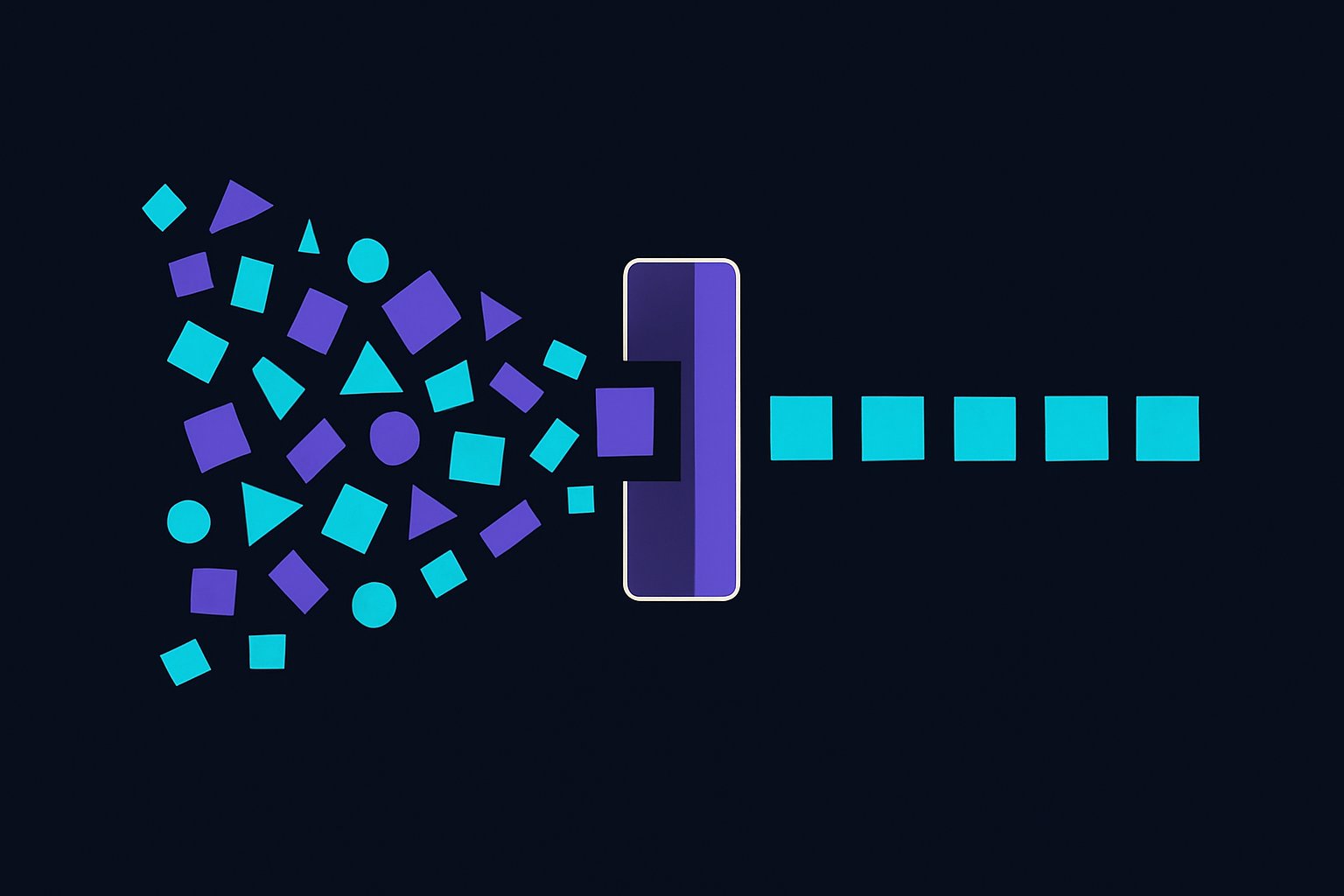
When the request arrives, the backend does not do the slow work. It writes the job onto a message queue — a waiting-list of tasks — and immediately answers the user: “got it, working on it, here’s a ticket number.” The request is done in milliseconds; nothing times out. Meanwhile a separate program called a worker picks jobs off the queue one at a time and does the slow model work in the background. When it finishes, it saves the result (Chapter 4) and notifies the user. You have decoupled “asking for the work” from “doing the work” — the single most important pattern for anything slow, AI or not.
04Telling the user it’s ready — WebSockets vs polling
If the answer arrives later in the background, how does the user’s screen find out? Two ways, and knowing the trade-off is a classic interview beat. Polling: the frontend asks the backend every few seconds, “done yet? done yet?” Simple to build, but wasteful — most of those checks get “not yet”, and there is a lag between ready and shown. WebSockets: a persistent open connection over which the server can push to the browser the instant the job is done — no repeated asking, no lag. Push beats poll for anything that must feel instant; polling is the honest, simple choice when a few seconds of delay is fine. Same trade-off you would meet building any live feature; AI just makes it common.
05Caching and cost at scale
Now the part that decides whether your system survives success. When many users ask similar things, calling the model afresh every time is slow and expensive (Chapter 6). Caching is the fix: remember answers to questions you have already handled and serve the stored answer instantly, for free, without touching the model. The clever AI version is a semantic cache — using embeddings (Chapter 8), recognise that “when are fees due?” and “fee deadline?” are the same question and reuse the one answer. Every cache hit is a request that was instant and cost nothing.
At scale, three levers keep both latency and the bill under control, all built on earlier chapters. Cache what repeats. Route easy requests to a small cheap model and reserve the expensive one for hard work (Chapter 6). And rate limit (Chapter 12) so no single user can flood the system or the bill. “It works for one user” and “it works for ten thousand” are different achievements, and the gap between them is exactly this chapter.
06Do this today
You do not need scale to feel this. Add a simple in-memory cache to your notice-board AI: before calling the model, check whether you have answered this exact question already; if so, return the stored answer. Ask the same question twice and watch the second answer come back instantly and free. Then, if you are feeling bold, make one slow feature asynchronous — return a “working on it” immediately and finish the job in the background. Feeling your own app stay responsive while the model takes its time is the lesson landing.